Bite alarm guides
How to Set Up Bite Alarms for Clean Indication
Step by step: position the alarms, set the line, choose the right indicator weight and dial in sensitivity so you hear takes, not wind.
In short
- Line must run straight off the reel and stay in contact with the alarm's sensor.
- Use an indicator heavy enough to keep the line in contact, but no heavier than the conditions need.
- Start with sensitivity in the middle of its range and adjust in small steps.
- Test runs, drop-backs and the receiver before you settle in.
What you need
- Bite alarms (and a receiver if you have one) with fresh batteries.
- Bite indicators: hangers, bobbins or swingers. See indicators and hangers.
- Front and rear banksticks with buzz bars, or a rod pod.
Step 1: Position the alarms
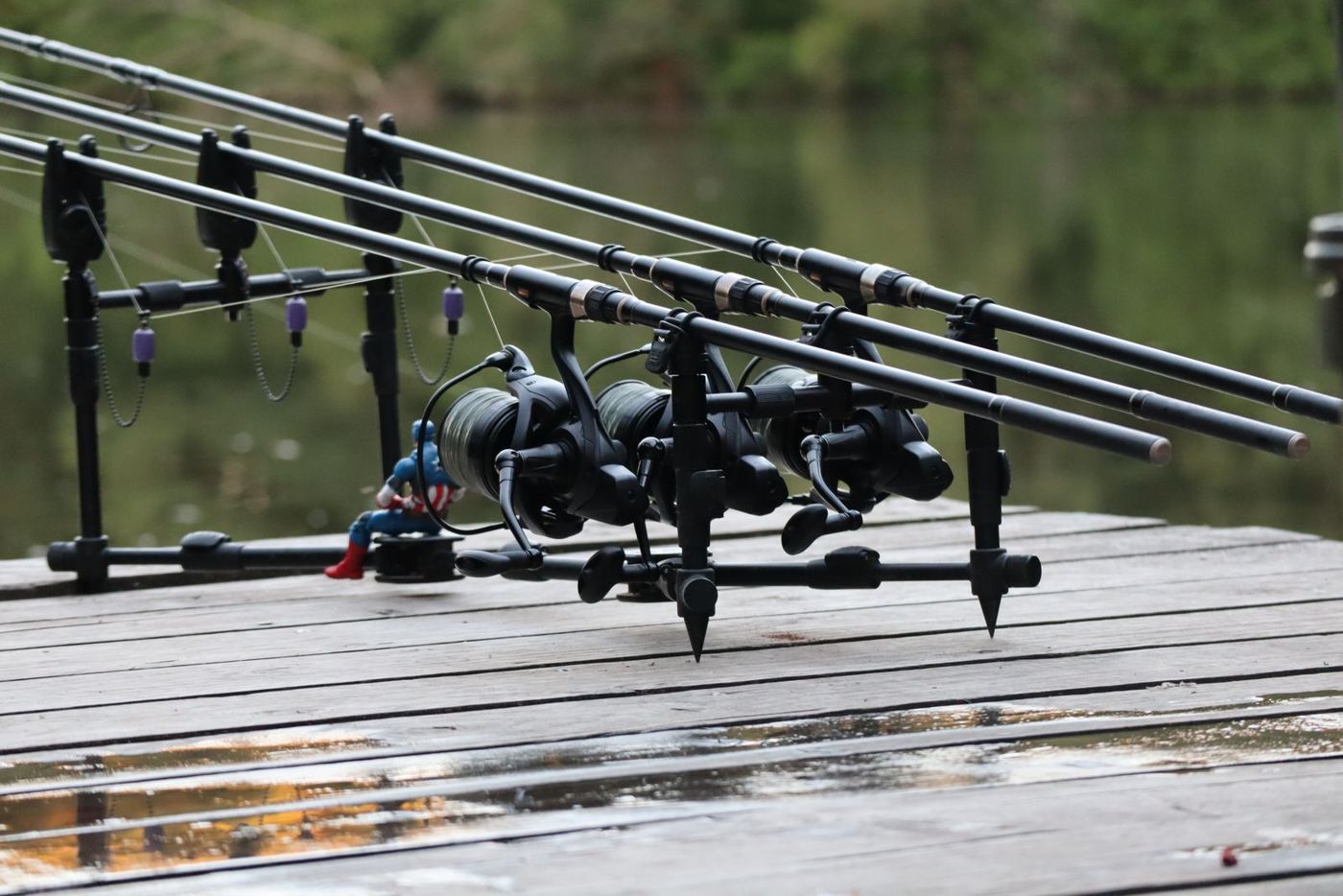
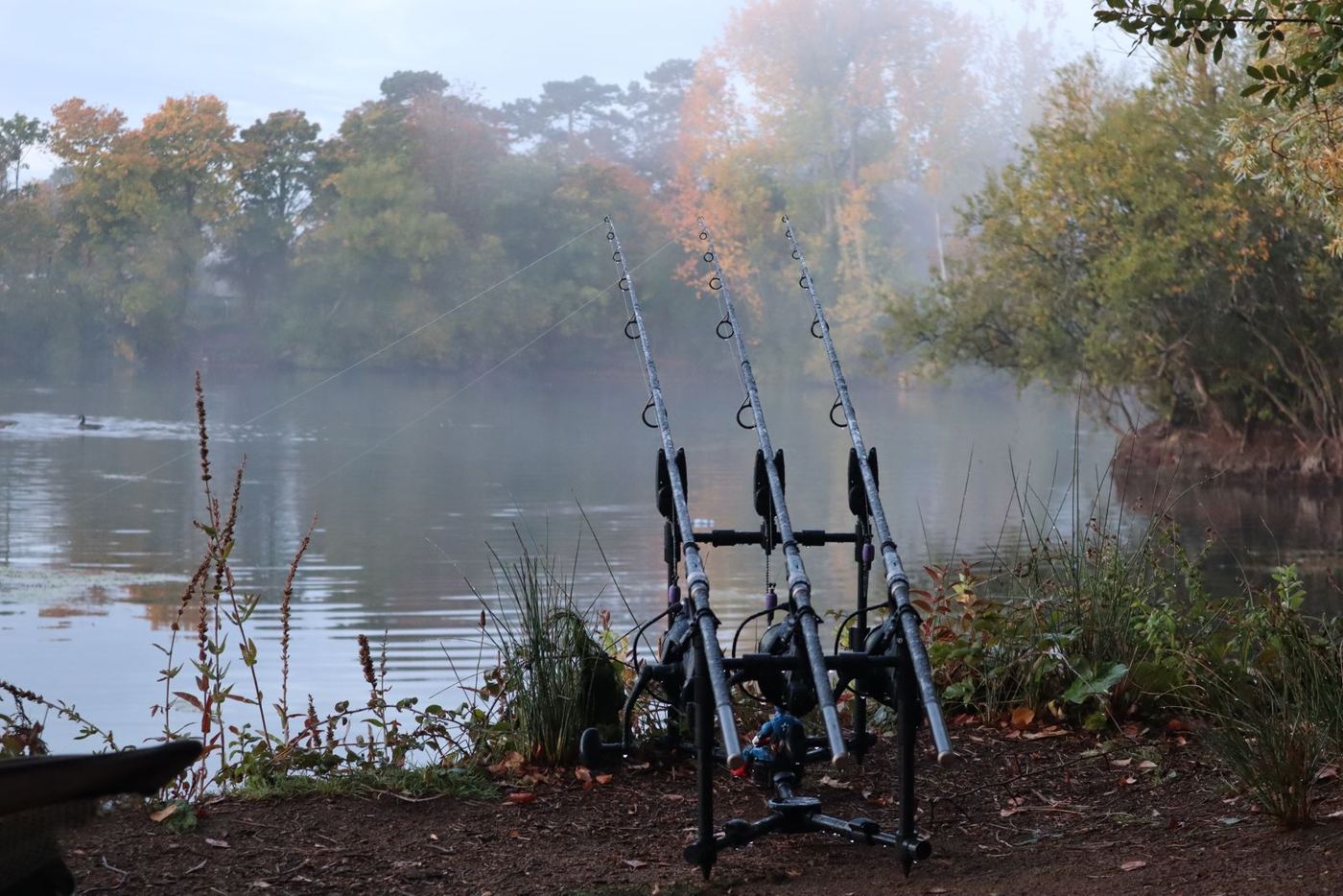
Screw each alarm onto the front bankstick or buzz bar and tighten the locking nut so the alarm sits square. Point each rod roughly at its bait, with the tip low on windy days to keep line out of the wind. The line should leave the reel and run straight across the alarm's sensor; if it rubs on the side of the rest or the snag ear, indication will be unreliable.
Tip: Rubber inlays and snag ears are there to stop a running fish pulling the rod off the alarm. Use them, especially when fishing locked-up clutches near snags.
Step 2: Set the line and indicator
Clip the indicator onto the line between the reel and the alarm. Its weight holds the line against the wheel or sensor and shows any slack.
- Calm conditions, short range: a light indicator, set to hang a few centimetres below the rod.
- Wind, undertow or long range: add weight so the line doesn't bounce across the sensor.
- Fishing slack lines: a light indicator dropped low, accepting that drop-backs will be subtle.
Nash supplies 5 g drag weights with its Night Glo bobbins for this reason.
Step 3: Set sensitivity
Sensitivity decides how much the line must move before the alarm reacts. Begin in the middle of the alarm's range (setting four or five on an eight-step alarm), then:
- Pull the line gently a centimetre or two in front of the alarm. You should get a bleep.
- Watch for a few minutes. If wind or undertow causes stray bleeps, reduce sensitivity one step, or add weight to the indicator.
- If small pulls don't register, increase sensitivity one step.
Vibration alarms such as the Delkim Txi-D v2 have a response control instead of wheel sensitivity; the principle is the same. Alarms with condition modes, like Trakker's Intelli-Sense or Nash's wave sensing, should be switched on when it's rough.
Step 4: Set tone, volume and LEDs
Give every rod a different tone and LED colour, and keep the same rod in the same place each session so you learn which sound is which. If you use a receiver, turn the head volume down or off to keep the bank quiet, and set the latching LED long enough to see which rod moved by the time you're out of the bivvy.
Step 5: Test runs, drop-backs and the receiver
- Lift each indicator steadily: you should hear the run tone and see a solid LED.
- Let it drop: you should hear the drop-back tone. On the Trakker DB7-R and Wolf alarms the latching LED flashes for a drop-back.
- Take the receiver to where you will sit or sleep, zip the bivvy, and repeat. If it misses bleeps, move it higher or closer. A range test feature, where fitted, makes this quick.
Banksticks or a rod pod?
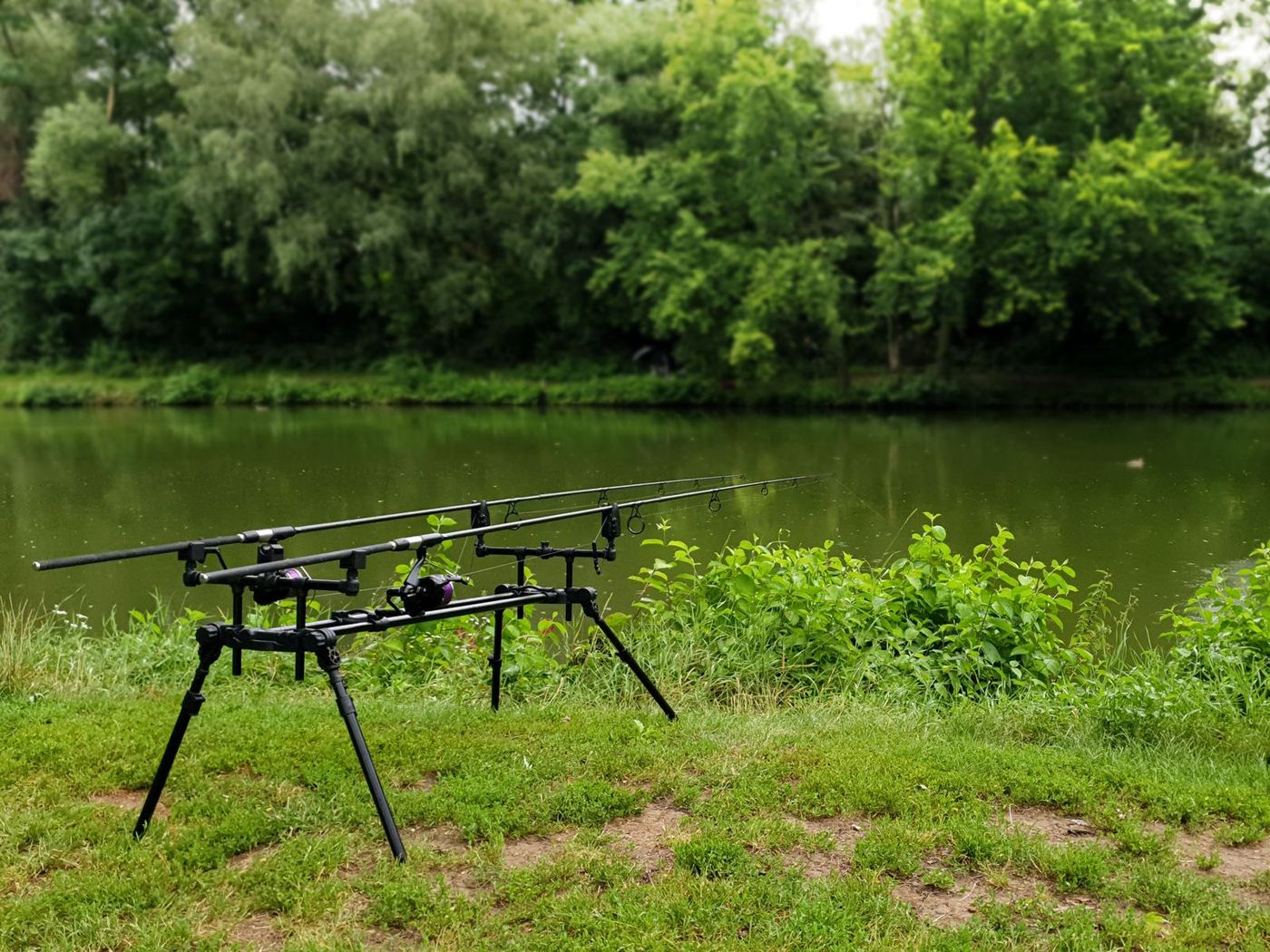
Banksticks pushed into the ground give the most stable, lowest set-up and are the first choice where the bank allows it. On gravel, wooden platforms or concrete, a rod pod holds the alarms and rear rests in a free-standing frame. Either way, make sure the alarms sit level and the buzz bar doesn't twist when a fish takes line, or the line can jump off the sensor.
Before you go to sleep
- Check each indicator is at the right height and the line is in contact with each sensor.
- Run the receiver test from inside the zipped bivvy.
- Check the low battery warnings on alarms and receiver.
- Note which tone and colour is which rod.
- Set the latching LED so you can see which rod moved when you get there.
Stopping false bleeps
| Problem | Likely cause | Try |
|---|---|---|
| Regular single bleeps | Undertow or waves moving the line | Heavier indicator, rod tip lower, wave or ISM mode, lower sensitivity |
| Bleeps in heavy rain | Rain hitting the line (vibration alarms especially) | Lower response; Delkim's do-not-disturb mode on the receiver |
| Drop-back tones with no fish | Line springing back after a pull | Recoil elimination (Wolf), heavier indicator |
| No bleep on a small pull | Sensitivity too low or line not touching the sensor | Raise sensitivity; check the line path |
Still getting problems? Our troubleshooting guide covers faults, water and batteries. To understand what the settings are doing, read how bite alarms work.
Questions and answers
How do I stop my bite alarm bleeping in the wind?
Lower the sensitivity one step at a time, add weight to your indicator, keep the rod tip low, and make sure the line isn't rubbing on the alarm. Alarms with wave or Intelli-Sense modes can filter wave action. Set-up guide.
What sensitivity should I set my bite alarm to?
Start in the middle of the range, check that a small pull gives a bleep, then lower it a step at a time if wind or undertow causes stray bleeps. Step-by-step set-up.
Alarms covered in this guide
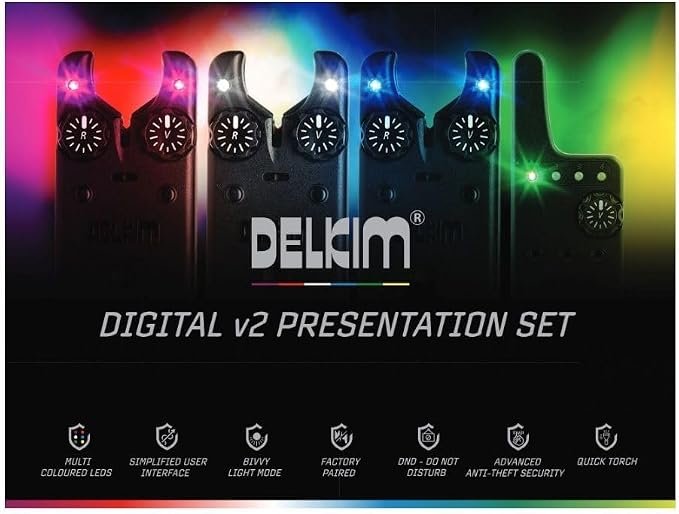
Delkim Txi-D v2 Presentation Set
Delkim's flagship piezo vibration alarm with 32 tones, six LED colours and the Rx-D v2 receiver.
View full specs (Delkim Txi-D v2 Presentation Set)
Nash Siren R4 Bite Alarm
Nash's flagship alarm, built around speed-responsive sensing, with a USB-C rechargeable receiver rated beyond…
View full specs (Nash Siren R4 Bite Alarm)
Wolf Icon X1 Bite Alarm
A compact UK-made alarm with a 1000 mAh rechargeable battery, USB-C charging and HUBB receiver link.
View full specs (Wolf Icon X1 Bite Alarm)As an Amazon Associate we earn from qualifying purchases. Some other links on this site are affiliate links too; it never changes the price you pay.